From Problem to Model Task • Beginner⏱️ 20 min read
Model Selection with EvalScope
Evaluate First, Then Select: Creating Your First Report on Open-Source Models with EvalScope
This is a real and painful lesson.
Previously, when training models for business departments, I mistakenly assumed that newer models with better performance on general benchmarks would perform better in business scenarios.
When a model with outstanding performance on general benchmarks appeared, I confidently promised that I could quickly deliver a better fine-tuned model.
But that was not the case, because each model uses vastly different data in pre-training and post-training. Some models happen to have seen a lot of data similar to your business during pre-training, making fine-tuning naturally more efficient; while others, despite strong general capabilities, are simply incompatible with your domain, no matter how you fine-tune them.
Before selecting any model, general metrics can only serve as a reference. The final model selection must be based on performance on your actual business data.
Can You Pick a Good Model by Just Asking a Few Questions?
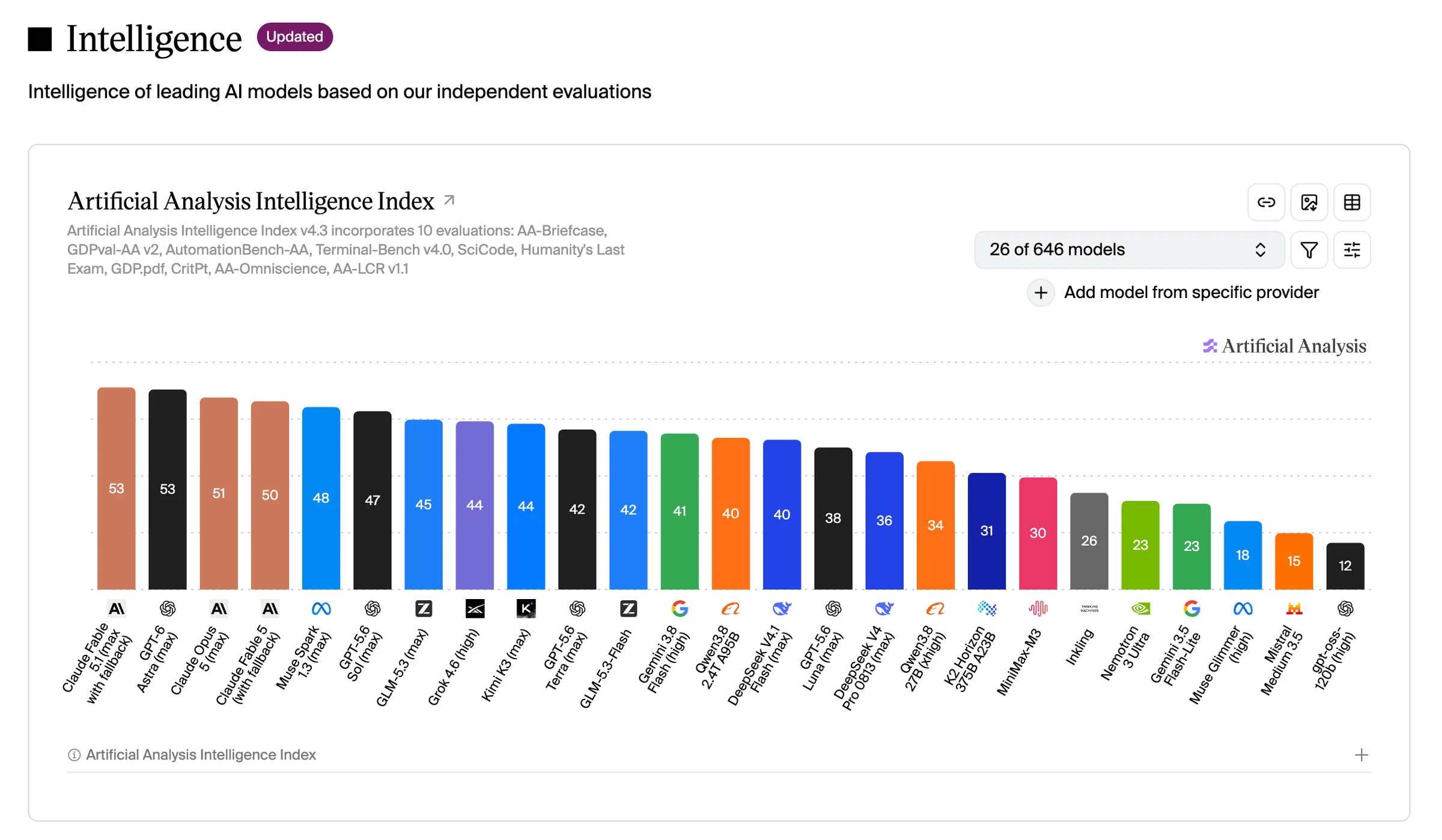
When selecting models, we often first look at model leaderboards, download counts, or online reviews. We might also directly prepare a few questions to ask the model and see how well it answers. These methods can help us quickly understand a model, but they all have certain limitations.
For example, a high download count doesn't necessarily mean the model is the most capable—it could also be related to the model's release date, parameter scale, and usage barriers. Answering a few questions well also doesn't mean the model can maintain the same performance across all similar problems.
Especially when choosing between multiple models, if each model is tested with different questions, or if the criteria for judging answer quality differ, direct comparison becomes difficult. Sometimes two models both seem to answer well, but when truly tested on hundreds or even thousands of data points, there can be significant differences in accuracy and stability.
The purpose of model evaluation is to transform inconsistent evaluation standards into a more unified testing methodology. For example, prepare 500 fixed test questions, have candidate models like Qwen and DeepSeek answer them separately, then use the same rules to calculate accuracy. This way, you can compare the overall performance of different models while reducing the influence of personal judgment on the results.
Through model evaluation, we can not only see the final score of a model, but also further analyze which tasks the model performs well on, which types of questions it tends to get wrong, and how large the gap is between different models. These results can help us screen for more suitable models from multiple candidates, and also provide reference for subsequent business data testing, model fine-tuning, and deployment.
To facilitate comparison between different models, benchmarks include various types of data, such as:
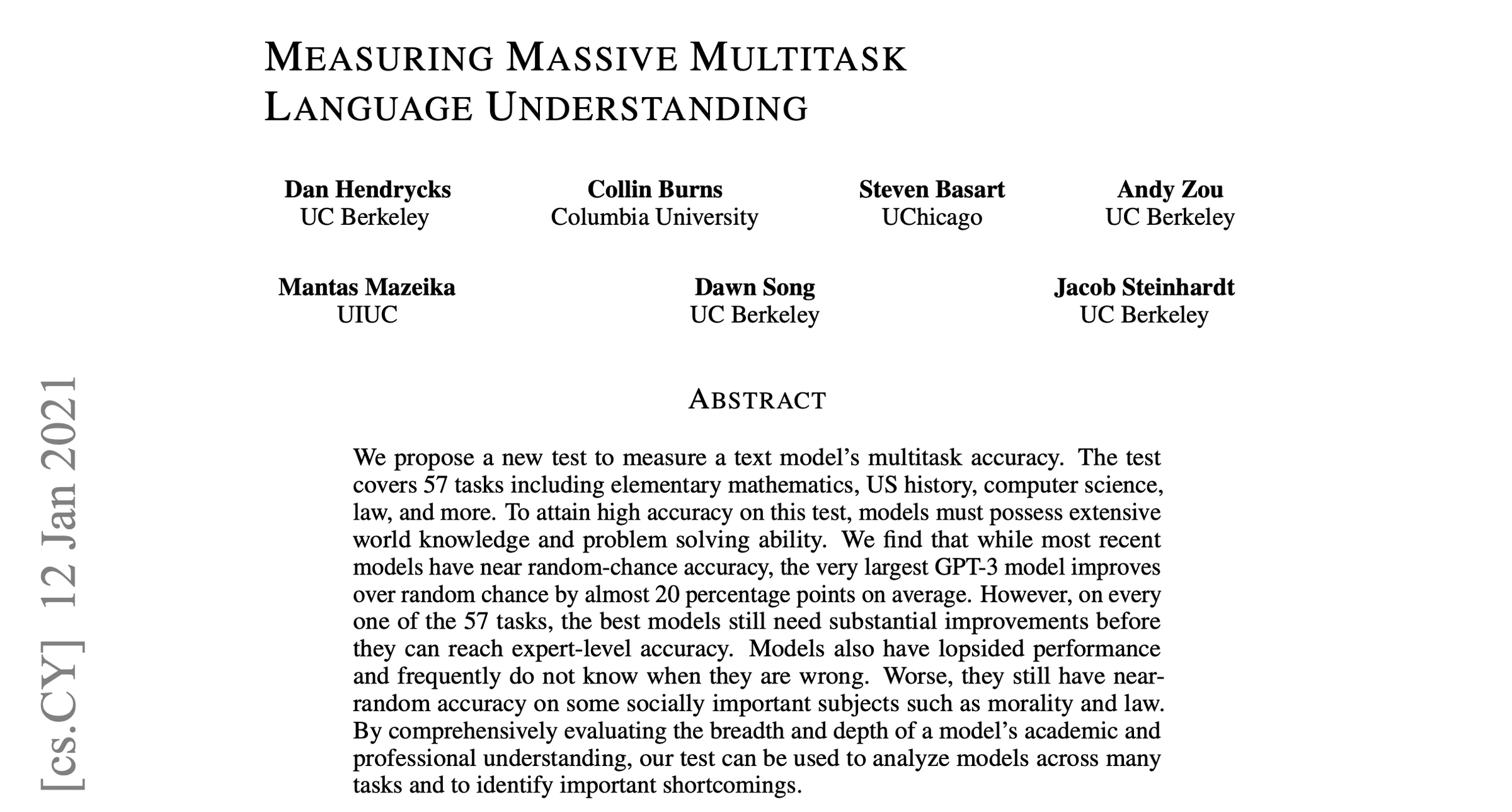
MMLU contains questions from multiple disciplines including mathematics, history, computer science, and law, primarily used to observe the model's knowledge and reasoning abilities;
C-Eval and CMMLU contain more Chinese exam and knowledge-based questions, which can be used to test the model's Chinese knowledge capabilities;
GSM8K mainly consists of math word problems, which can be used to test mathematical reasoning abilities;
HumanEval primarily tests the model's ability to write code according to requirements;
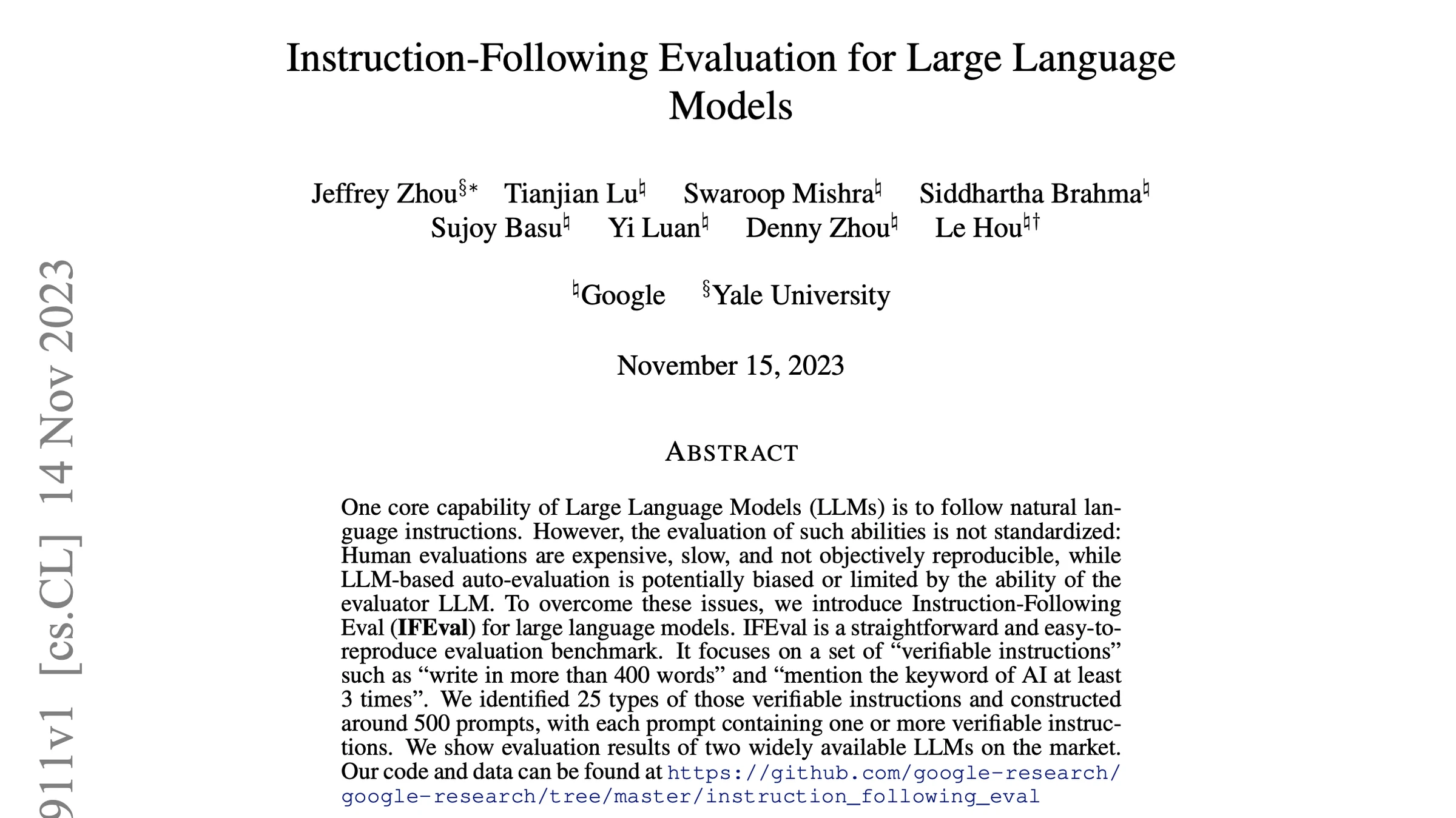
IFEval focuses on testing whether the model can complete tasks according to user-specified requirements.
In actual evaluation, you can select data that better fits your own scenario based on your business needs. For example, if the scenario focuses more on Chinese knowledge Q&A performance, you can prioritize testing datasets related to Chinese comprehension, knowledge, and reasoning; if the model is mainly used for mathematical reasoning, you can focus on testing math datasets like GSM8K.
Through these public benchmarks, you can compare the performance of different models on the same data and screen for models whose capabilities better meet your requirements. However, high benchmark scores do not necessarily mean the model will be practical in real business applications.
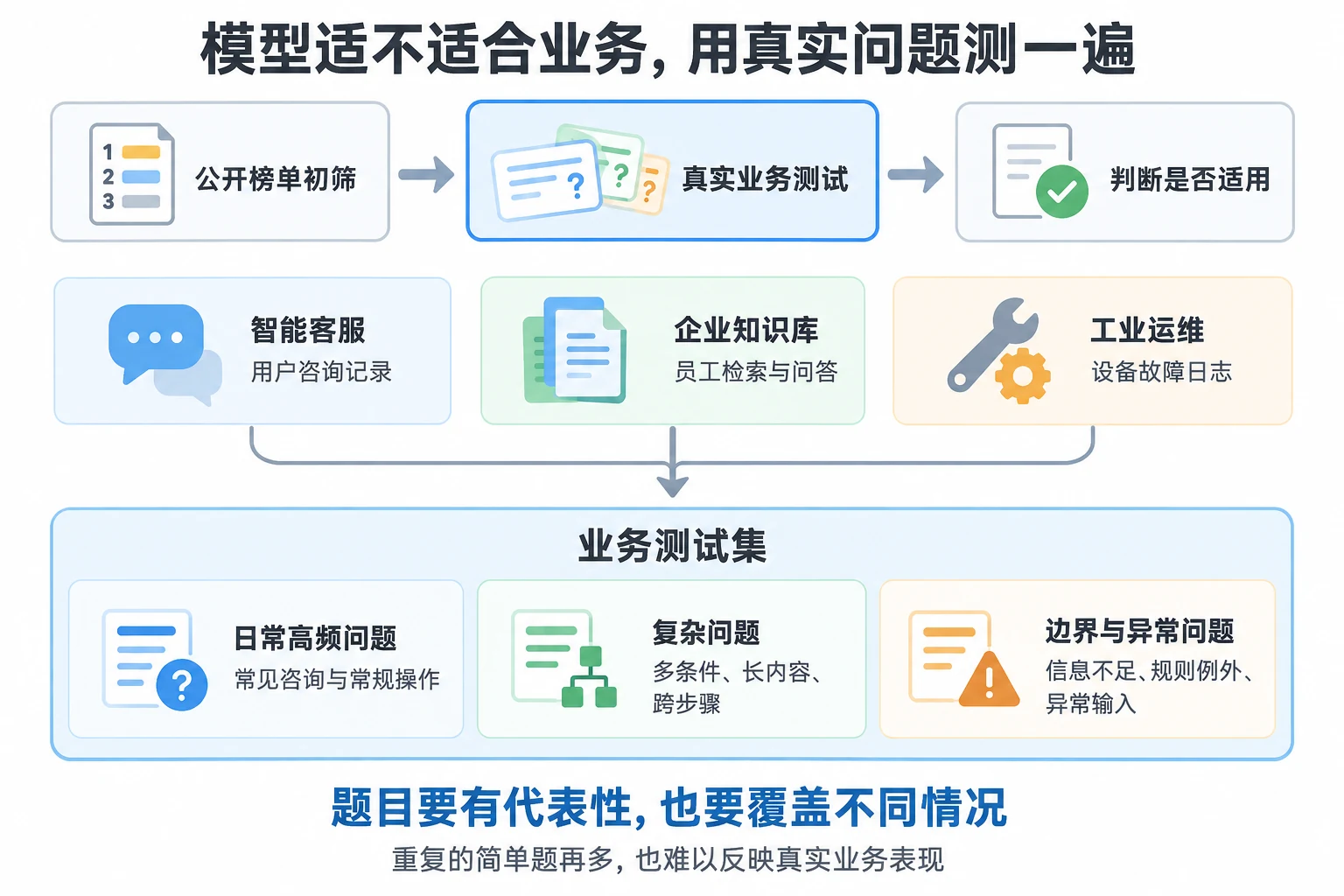
The data in public benchmarks are all general-purpose, while real business scenarios may contain a large amount of professional terminology and internal rules that are difficult to test through public datasets. In other words, when selecting models, you can use benchmarks for initial screening to identify models with good performance, but for scenario-specific effectiveness, you still need to use business data for evaluation.
Test Again with Your Own Business Data
General benchmarks test a model's general capabilities, while business evaluation focuses on its actual performance in specific scenarios. After the first round of screening, the next core question is clear: Is this model suitable for our business?
Business data evaluation essentially uses data generated from real business operations to validate the model. For example: for intelligent customer service, use real customer consultation records; for enterprise knowledge bases, use employees' daily retrieval and Q&A; for industrial operations, use frontline equipment fault logs.
When preparing evaluation data, people often have a misconception that more data is always better. Compared to sheer quantity, the representativeness and coverage of the data are actually more critical. If you prepare tens of thousands of data points but most are simple, repetitive questions, even high test scores won't have much reference value. A reasonable business test set should have a clear gradient: it should include daily high-frequency basic questions, as well as a certain proportion of complex long-distance questions and edge-case anomaly questions. Only through this layered real-data testing can the results be sufficiently objective.
How Can EvalScope Help with Evaluation?
EvalScope is a large model evaluation framework launched by the ModelScope community, capable of unified evaluation and horizontal comparison of different models' effectiveness and inference performance. EvalScope supports a relatively wide range, including large language models, multimodal models, and common retrieval models such as Embedding and Reranker. EvalScope's advantages are reflected in the following aspects:
Balancing General Benchmarks and Custom Business Evaluation
EvalScope comes with pre-installed common public benchmark datasets such as MMLU, GSM8K, and HumanEval, allowing direct evaluation of models' general knowledge, mathematics, code, and logical reasoning capabilities. At the same time, it supports user-defined evaluation sets—for example, introducing real business data such as text classification, Q&A, and information extraction into the evaluation process, thereby accurately judging model performance in specific business scenarios.
Supporting Multiple Model Formats and Service Calls
The EvalScope framework supports both evaluating local offline models and standard OpenAI format interfaces. For model services deployed through mainstream inference engines like vLLM and SGLang, they can be directly integrated for evaluation, adapting to different development and deployment environments.
Inference Performance Stress Testing Capability
In addition to effectiveness evaluation, the operational performance of a model after deployment is also an important consideration for selection. EvalScope can simulate multi-user concurrent requests, testing core metrics such as throughput, request latency, Time to First Token (TTFT), and Time Per Output Token (TPOT), intuitively reflecting the service's capacity and response speed under concurrent scenarios.
Multi-dimensional Comparative Analysis and Report Visualization
After evaluation is complete, the EvalScope framework supports automatic generation of statistical reports and comparison charts.
Run an Evaluation to See the Model's Actual Performance
This experiment uses ModelScope's Notebook with the ubuntu22.04-cuda12.8.1-py312-torch2.10.0-1.39.0 image
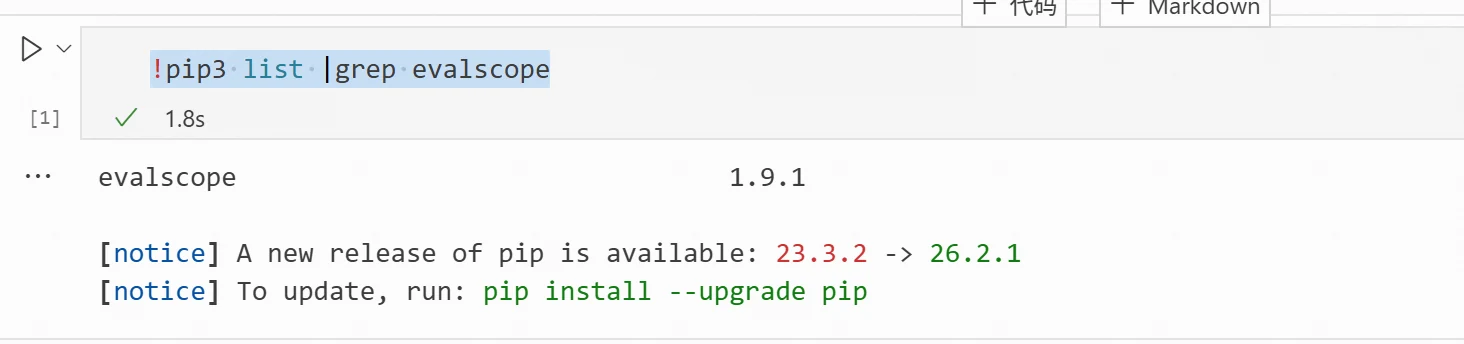
Check if evalscope is already installed in the environment
!pip3 list |grep evalscope
The following output in the terminal indicates that evalscope is already installed
If not installed, you can install it directly via pip
!pip3 install evalscope
# If you need more features, use the following commands to install
!pip3 install -e '.[opencompass]'   # Install OpenCompass backend
!pip3 install -e '.[perf]'          # Install Perf dependencies
!pip3 install -e '.[app]'           # Install visualization dependencies
!pip3 install -e '.[all]'           # Install all backends (Native, OpenCompass, VLMEv)
First, Use a Public Dataset to Test Basic Capabilities
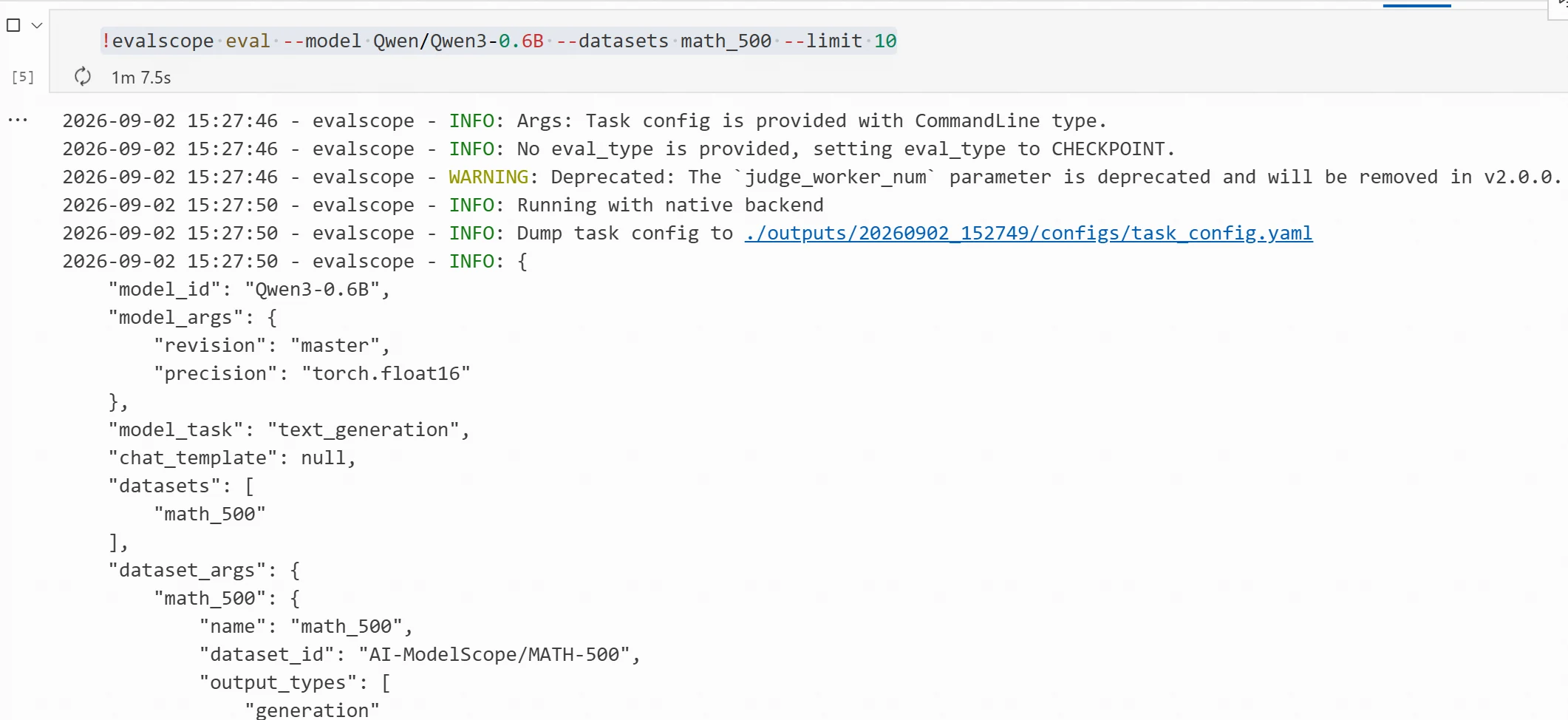
After installation, we can use a public dataset for evaluation, such as math_500. Using the Qwen3-0.6B model, for quick testing we can select only 10 data points for evaluation. The evaluation command is as follows:
The --model parameter specifies the model name or local model path,
--datasets specifies the evaluation dataset,
--limit specifies how many data points to test.
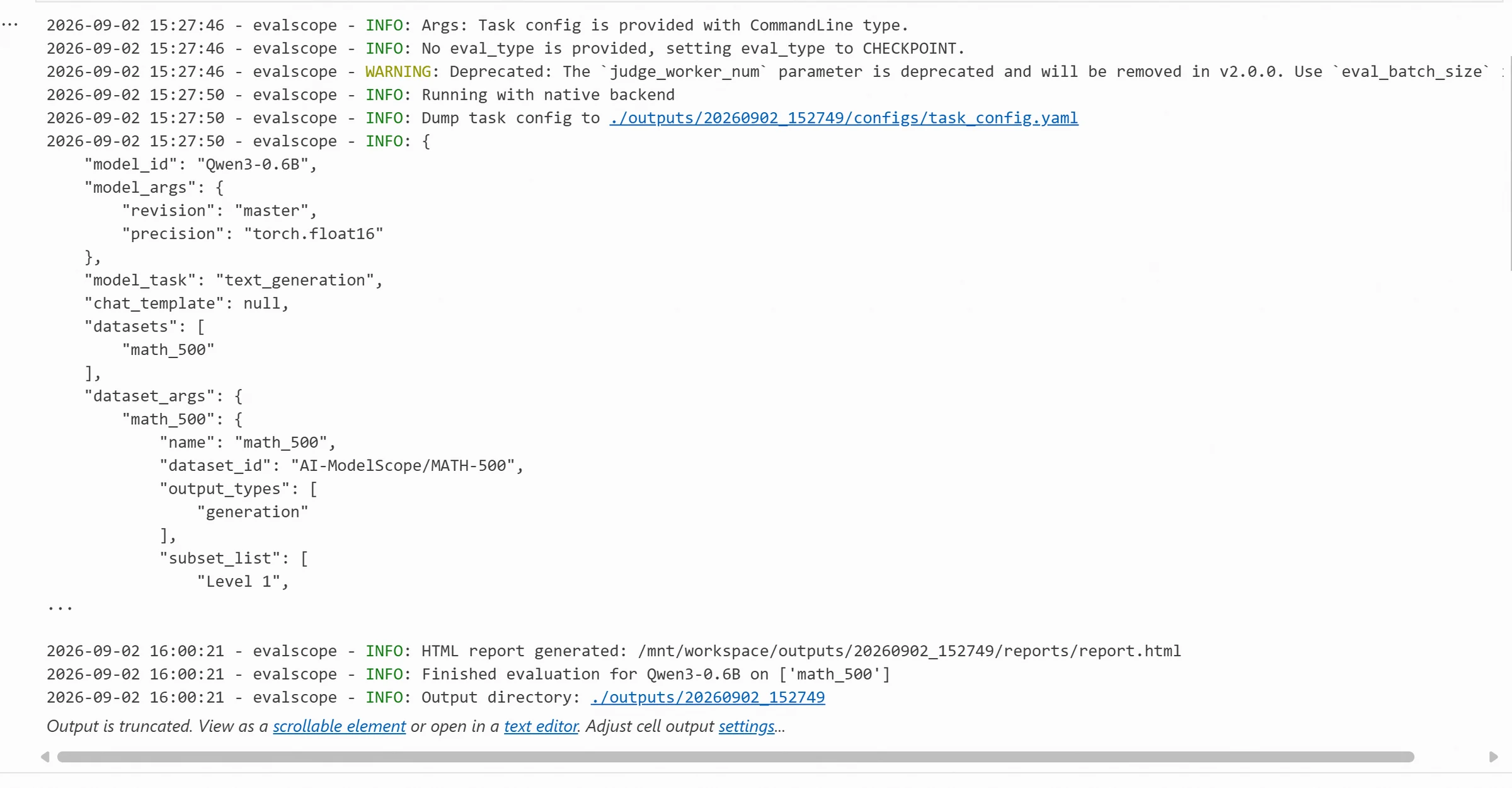
The output results are as follows:
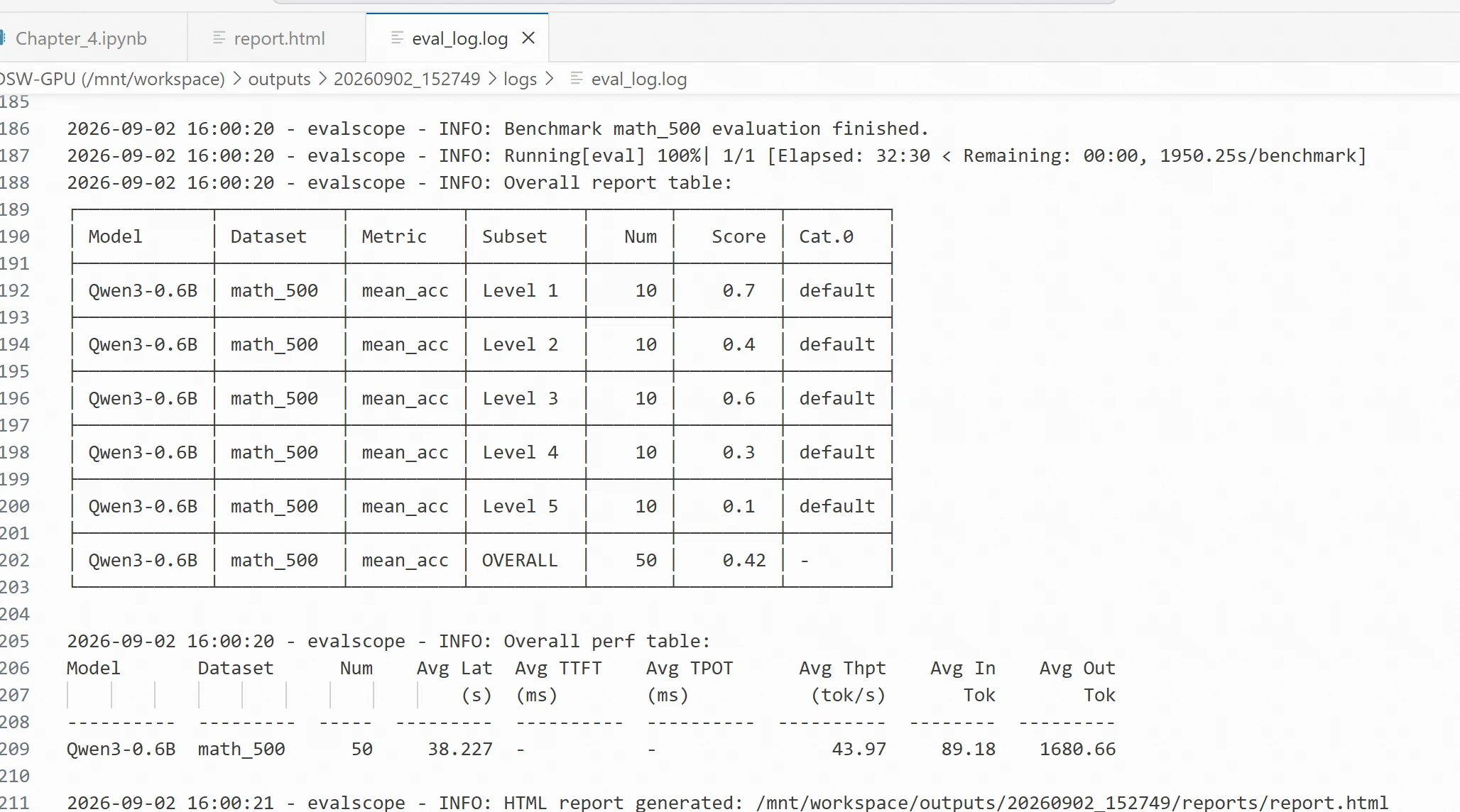
You can view the evaluation results in the corresponding directory. eval_log.log records the evaluation results for the 10 data points.
Switch to Business Data to Test Retrieval Performance
To evaluate the model's performance on business data, we can define custom data for evaluation. This chapter uses public retrieval data from a telecommunications operator to evaluate the Qwen3-Embedding-0.6B model.
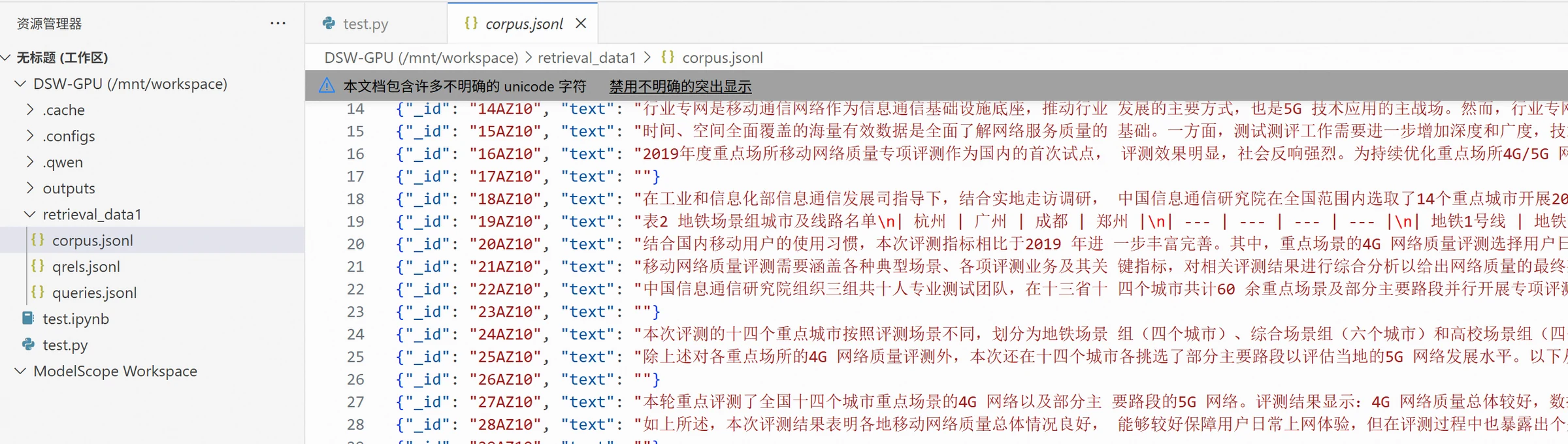
Where corpus.jsonl is the document collection data, with the format: including {"_id": "xxx", "text": "xxx"}, where _id is the corpus ID and text is the corpus text. The format is as follows:
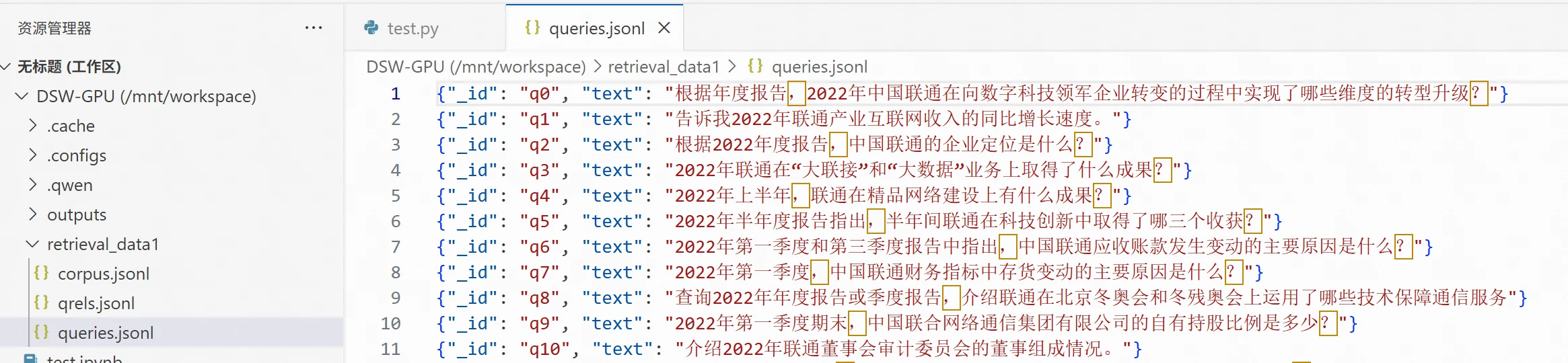
queries.jsonl is the query file, with each line including {"_id": "xxx", "text": "xxx"}, where _id is the query data ID and text is the query text. The format is as follows:
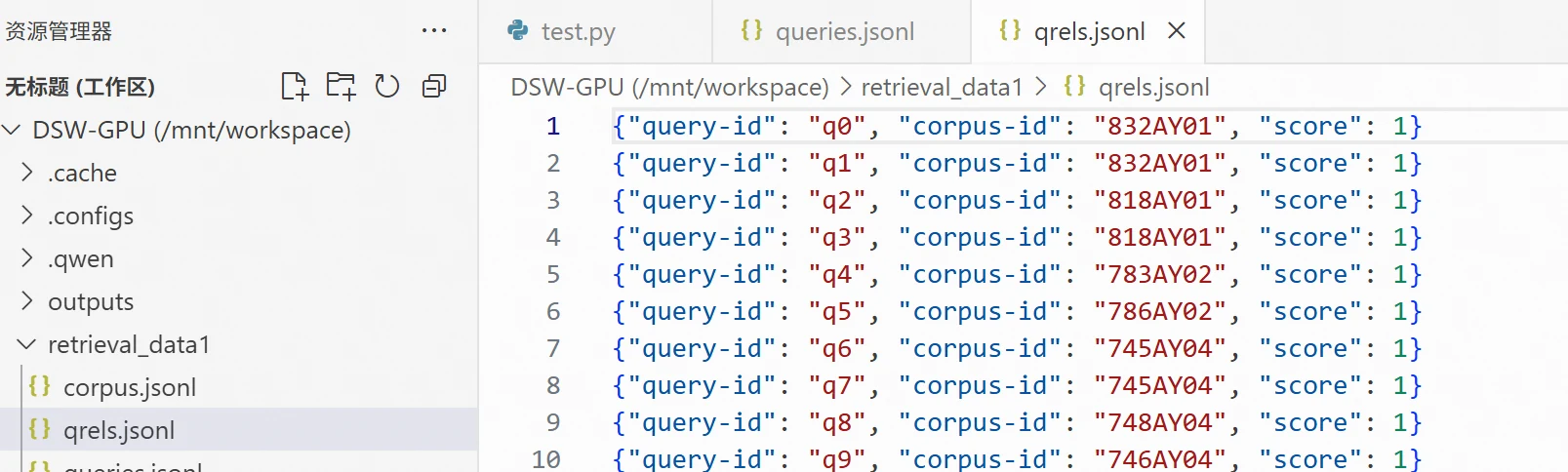
qrels.jsonl is the ground truth file, meaning the correct documents corresponding to each question. Each line includes {"query-id": "xxx", "corpus-id": "xxx", "score": 1}, where query-id is the query data ID, corpus-id is the document collection ID, and score is the relevance score. The format is as follows:
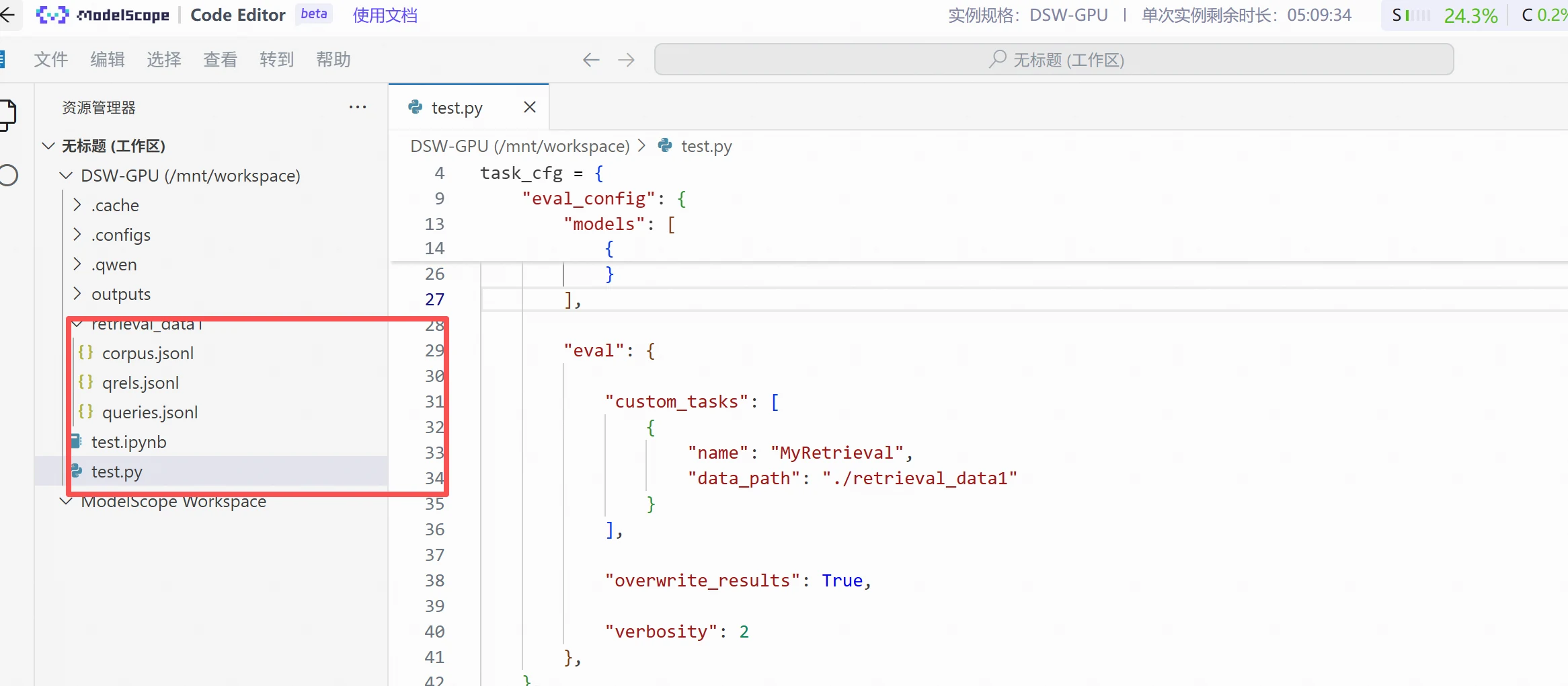
Simply right-click and upload these three files to the specified directory,
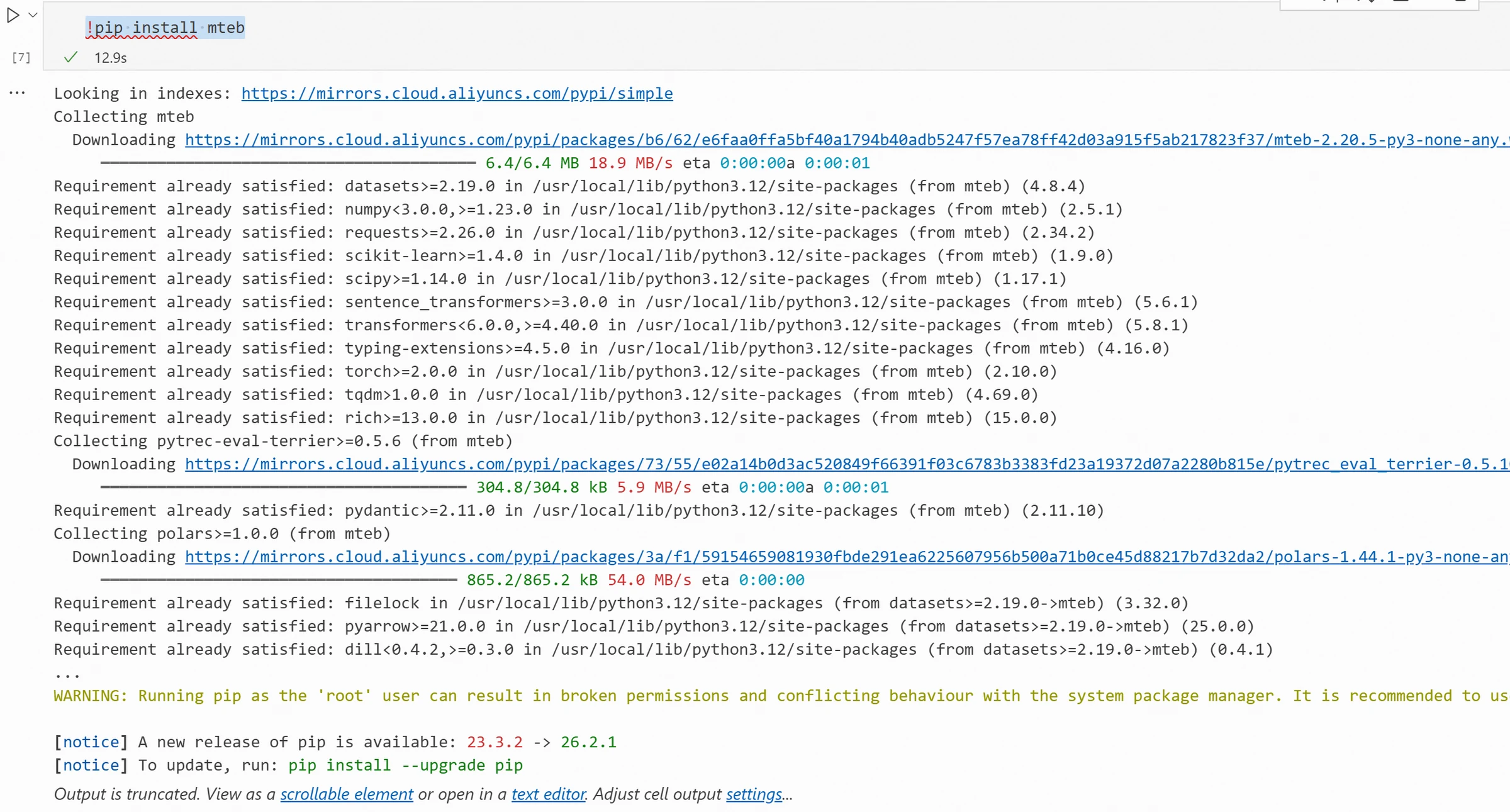
Install the mteb package
!pip install mteb
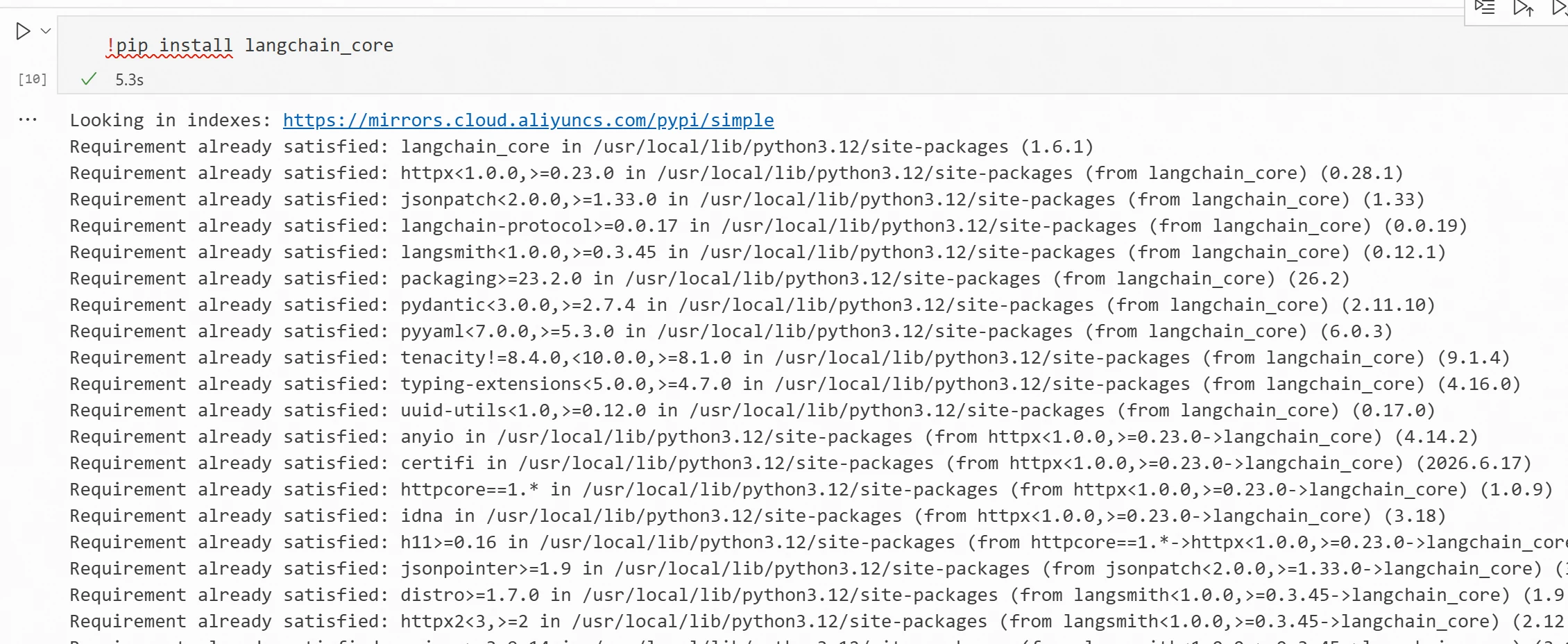
Install the langchain_core package
!pip install langchain_core
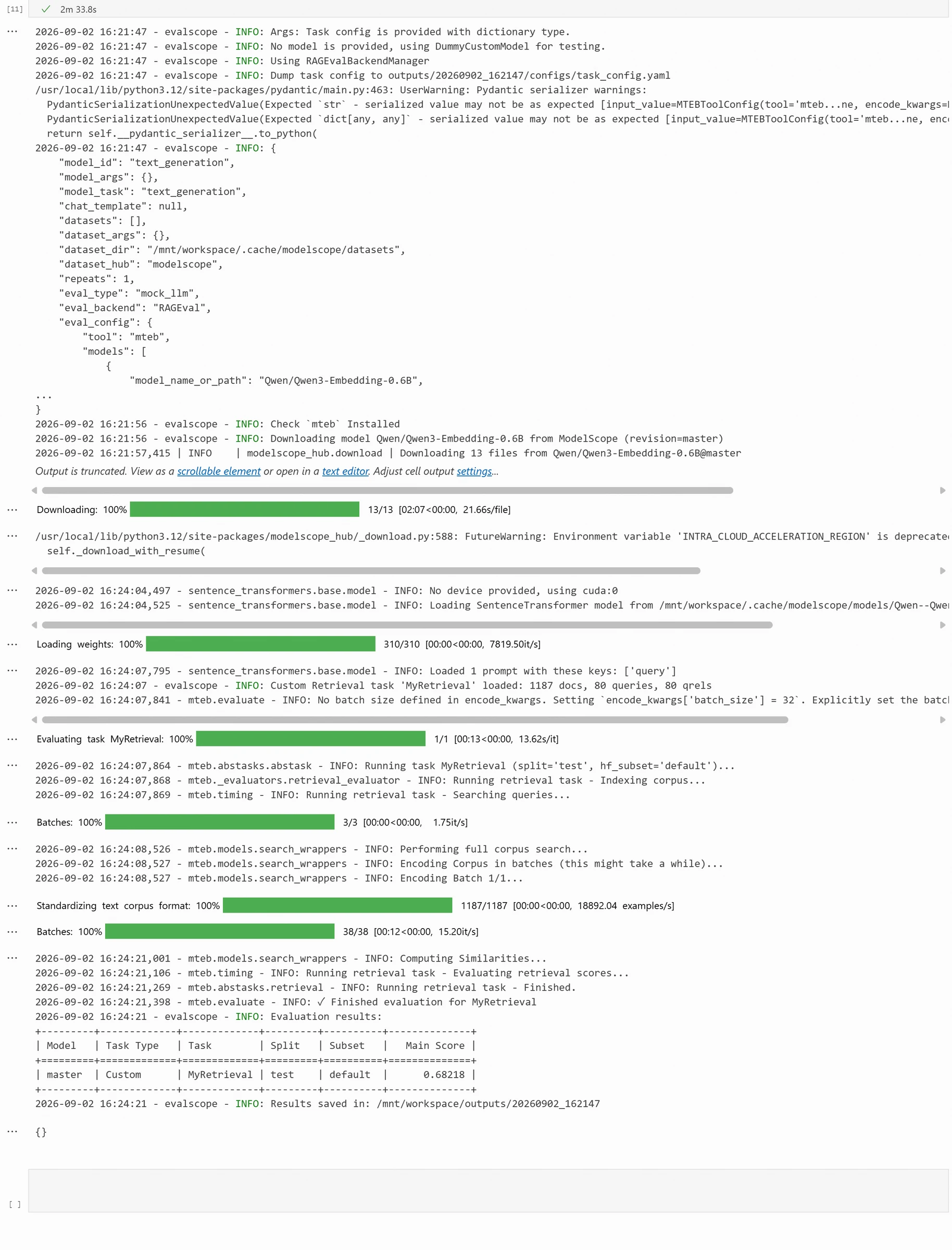
Next, we can evaluate the Embedding retrieval performance. The code is as follows:
Not Just Effectiveness Testing—Performance Testing Too
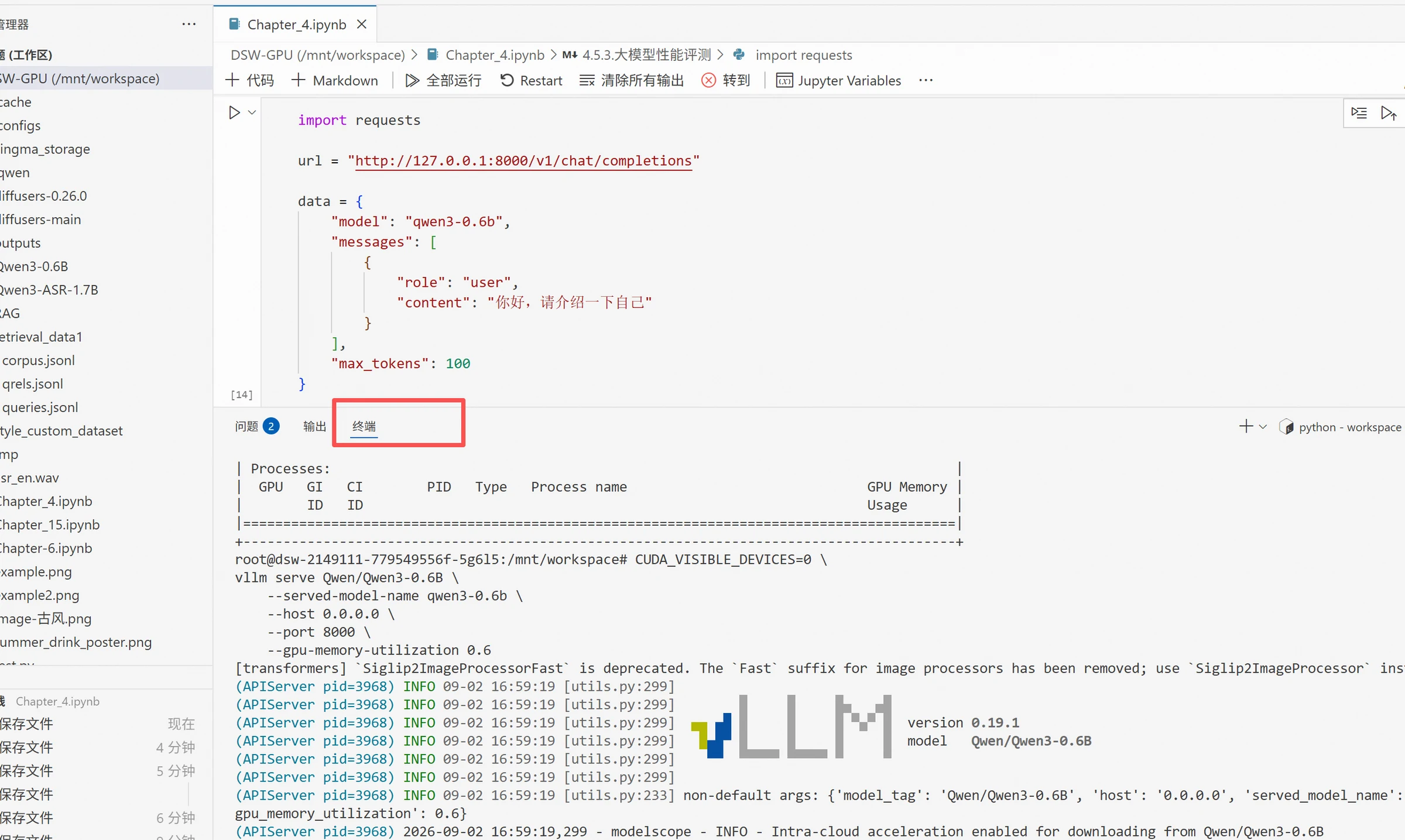
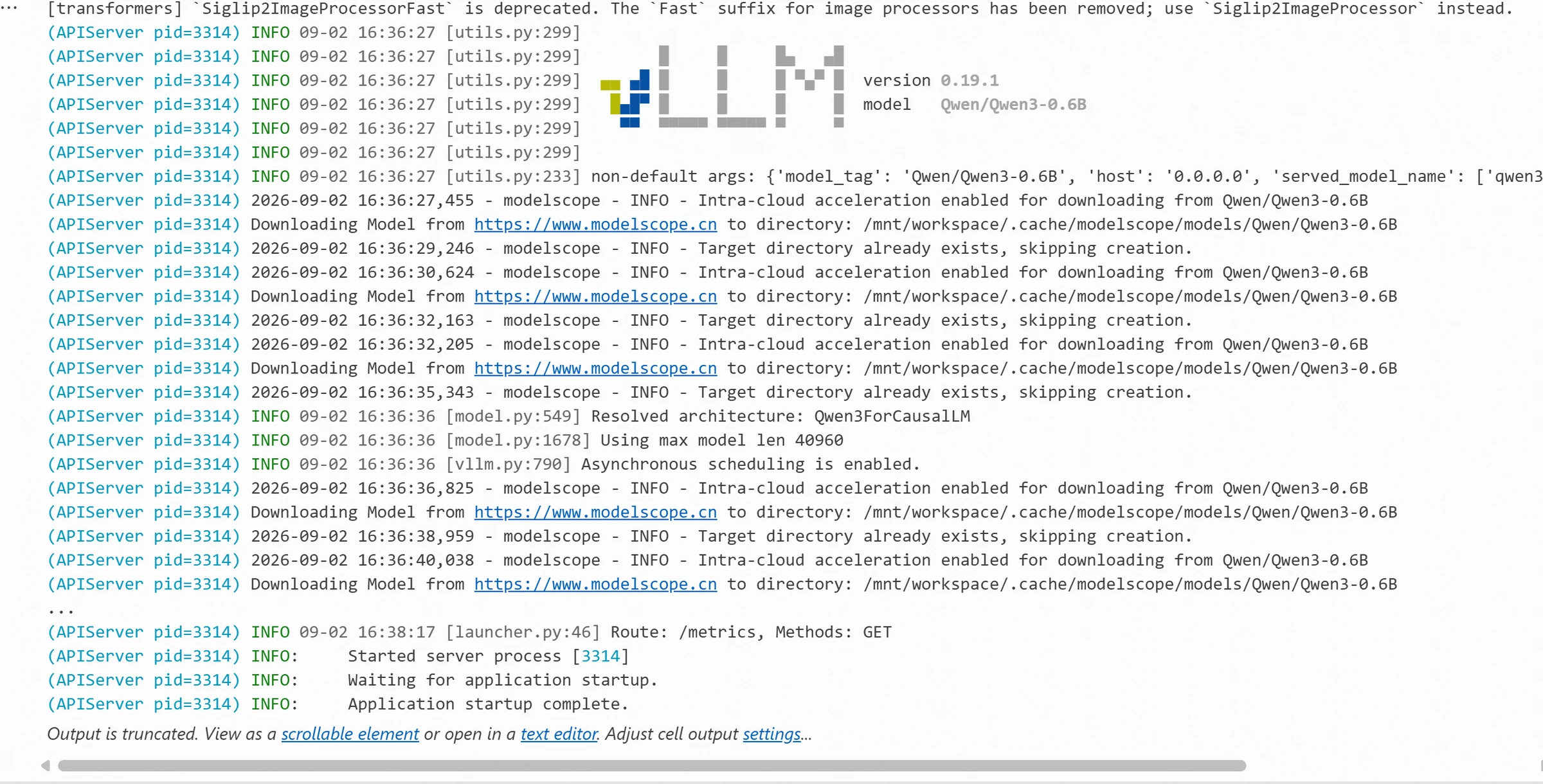
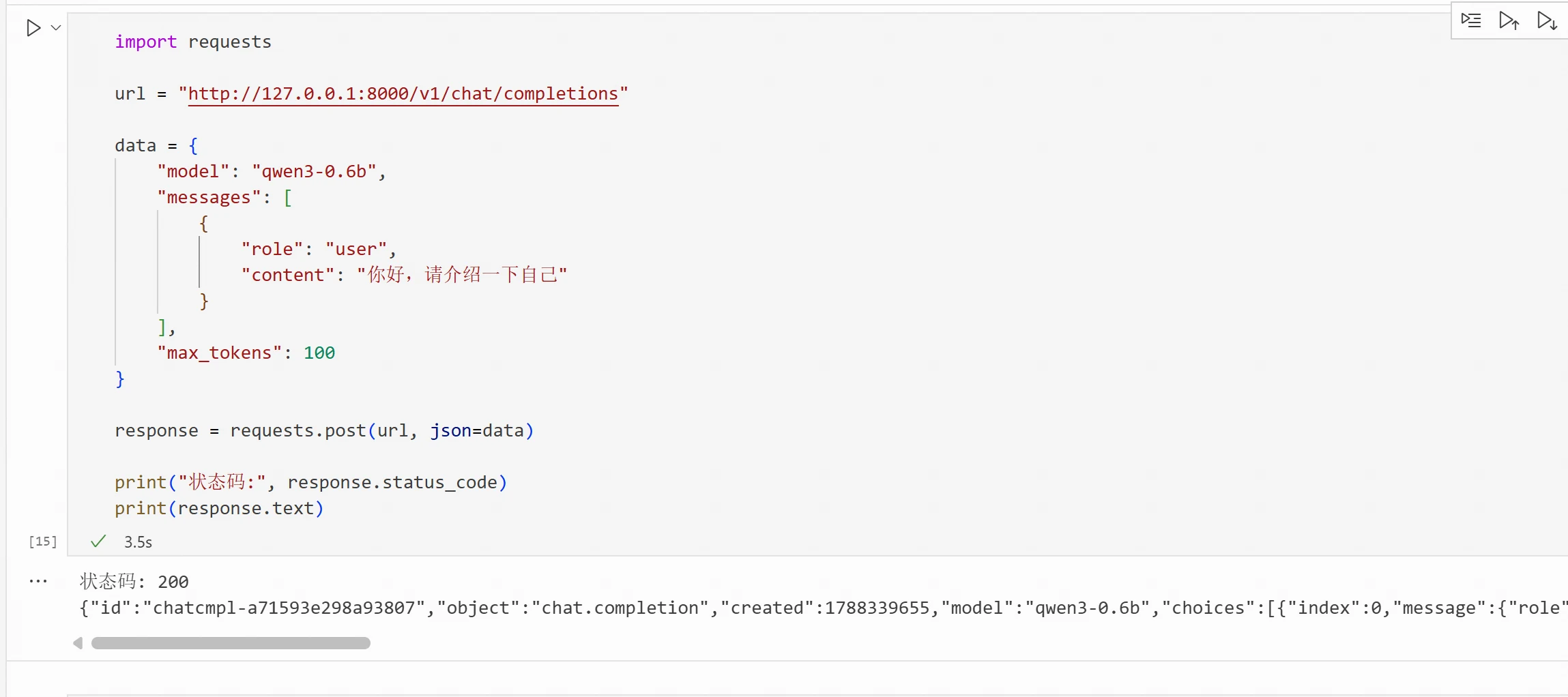
After completing the model effectiveness test, you can continue with performance stress testing. If the model is already deployed through inference frameworks like vLLM, you can use EvalScope to send requests to the model service with different concurrency levels.
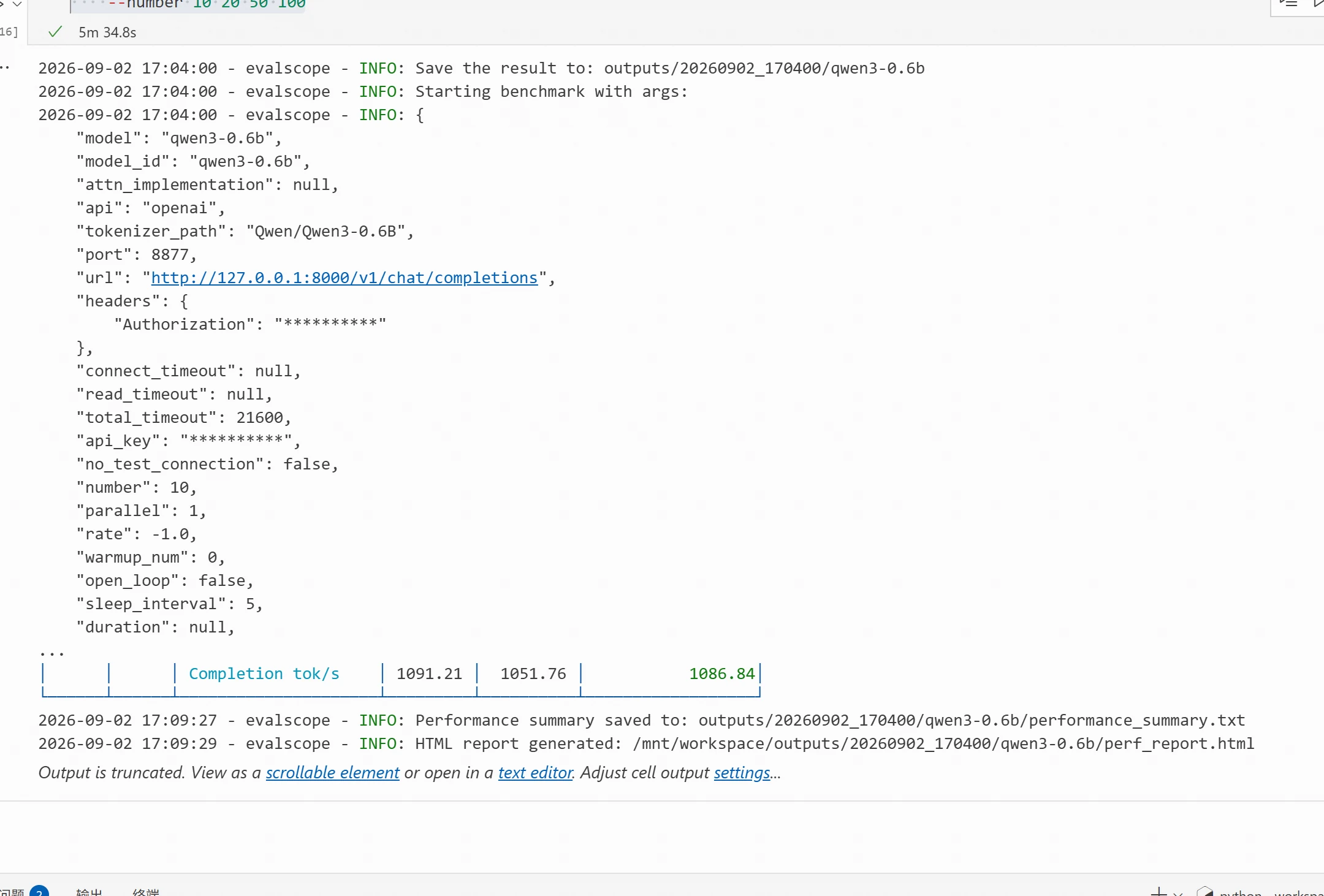
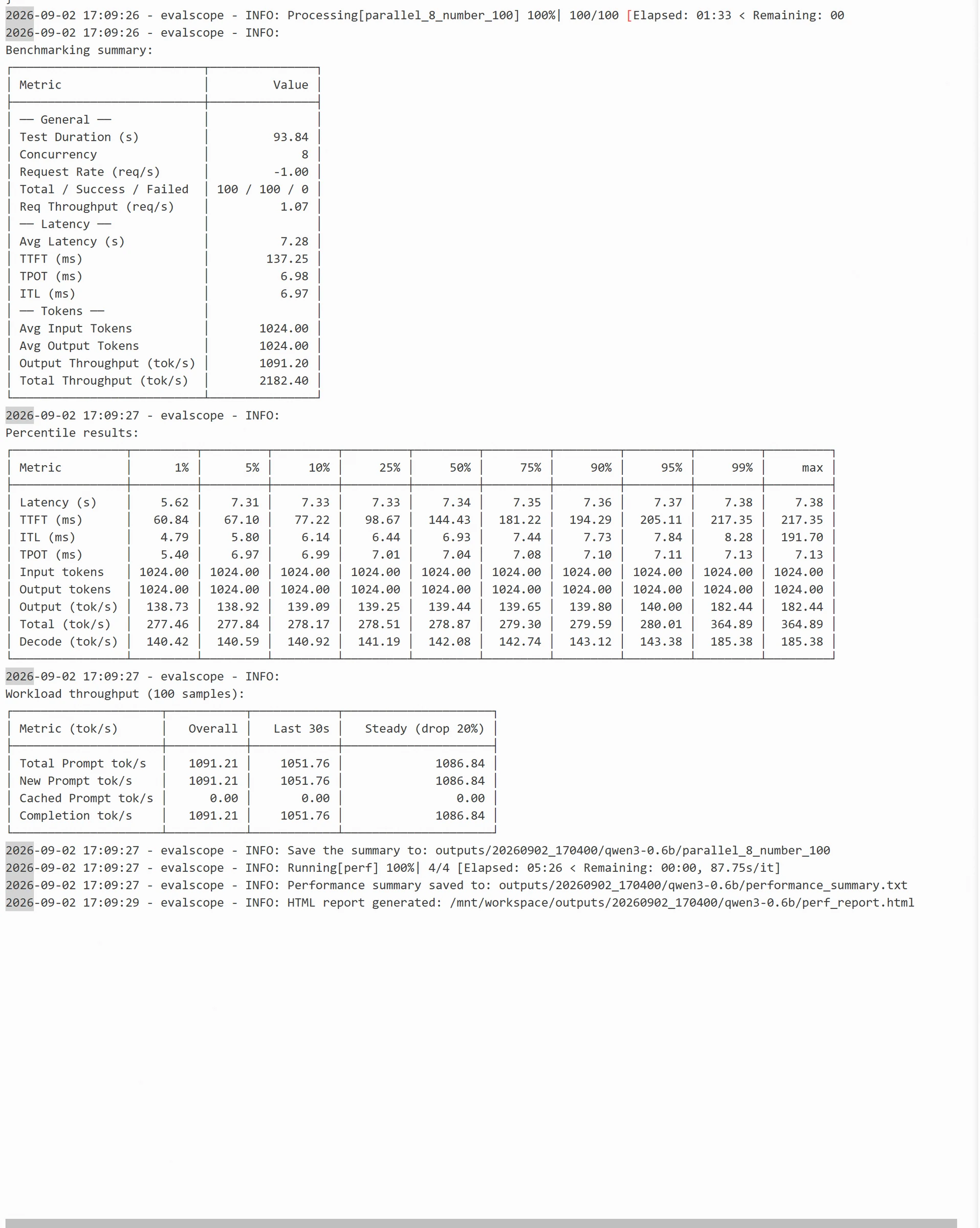
For example, you can set different concurrency levels of 1, 10, 50, and 100 to observe the model's throughput, first token latency, and request success rate as concurrency increases. EvalScope's performance test results can track metrics such as RPS, output throughput, average latency, and P50/P99, and save the results as a test report.
Under this image, the default package installation may cause errors. You can resolve this by downgrading the modelscope version:
--model qwen3.5-2b: Model name, must match the model name configured in the vLLM inference service
--url http://127.0.0.1:8000/v1/chat/completions: The actual API endpoint of the model service
--api-key sk-123456: API authentication key. Must be provided if the server requires authentication; if not configured, this parameter can be omitted.
--dataset random: Specifies the test dataset in random generation mode, no need to prepare local test files.
--tokenizer-path Qwen/Qwen3.5-2B: Specifies the path or Hugging Face model name of the Tokenizer, used to precisely control the Token length of generated text.
--min-prompt-length 1024 and --max-prompt-length 1024: Control the length range of input prompts. Both set to 1024, meaning each request has a fixed input length of 1024 Tokens.
--min-tokens 1024 and --max-tokens 1024: Control the output length range generated by the model. Both set to 1024, forcing the model to output a fixed 1024 Tokens each time (ignoring end tokens).
--parallel 1 2 4 8: Set concurrency level gradients. During stress testing, it will sequentially simulate 1, 2, 4, and 8 users making requests simultaneously to observe system performance under different concurrency pressures.
--number 10 20 50 100: Set the total number of requests for each concurrency level. This list corresponds one-to-one with --parallel. For example, at concurrency 1, a total of 10 requests are sent; at concurrency 8, a total of 100 requests are sent.
The benchmark.log results are as follows:
EvalScope provides us with a method for quickly evaluating models. You can view the relevant HTML report content in the corresponding output folder. For more EvalScope usage, visit https://evalscope.readthedocs.io/zh-cn/v1.6.1/get_started/introduction.html.
For the specific experiment process, refer to: https://modelscope.cn/gallery/liucong/5a794182-147f-4c97-83c5-233ca6965f4b
Bonus
Try using your own real business data to test the effectiveness of current open-source models!